Any Google Font
Search the whole Google Fonts library from the style panel, or stay with a device font. The text to PNG preview redraws the moment a font loads.
Text to PNG turns any words into a crisp image with a transparent background. Pick a Google Font, add an outline, then download or copy the PNG — free, no watermark, made in your browser.
Preparing your preview…
Free · No watermark · Drawn in your browser, nothing uploaded
Text to PNG is a free online tool that renders the exact words you type as a PNG image. The background can stay transparent, so the text drops onto a photo, a slide, a video frame or a product mockup without a white box around it.

Exact words, not AI art. Text to PNG draws your text with a real font. Nothing is generated, guessed or reworded.
True transparency. A PNG keeps an alpha channel, so only the letters show on whatever sits underneath.
Made on your device. The text to PNG converter runs in your browser: no upload, no account and no watermark.
Type a line once. Text to PNG sets it in your font, trims the canvas to the words and keeps everything around them transparent.
Typed text: no font choice, no color, and it cannot be placed on a photo.
Make room
for good ideas.
A transparent PNG: only the letters and their outline, ready for any background.
Fonts, outlines, transparency and sizing — the parts that decide whether a text image looks designed or pasted in.
Search the whole Google Fonts library from the style panel, or stay with a device font. The text to PNG preview redraws the moment a font loads.
Add an outline up to 24 px in any color. It is drawn outside the letters, so thin serif strokes keep their shape on a busy background.
Keep the background transparent for overlays, or switch to white for documents and email. The checkerboard in the preview is never part of the PNG.
Let the canvas hug your words, or pick an exact size — 1080 × 1080, a 1280 × 720 YouTube thumbnail, 4500 × 5400 for print on demand — and Text to PNG fits and centers the text for you.
Export at 2× for retina screens, slides and print-on-demand mockups. The preview shows the exact pixel size before you download.
Copy the PNG straight to the clipboard and paste it into Canva, Figma, Google Slides or a chat, or download the file.
Three ways people use a transparent text PNG once it leaves this page.
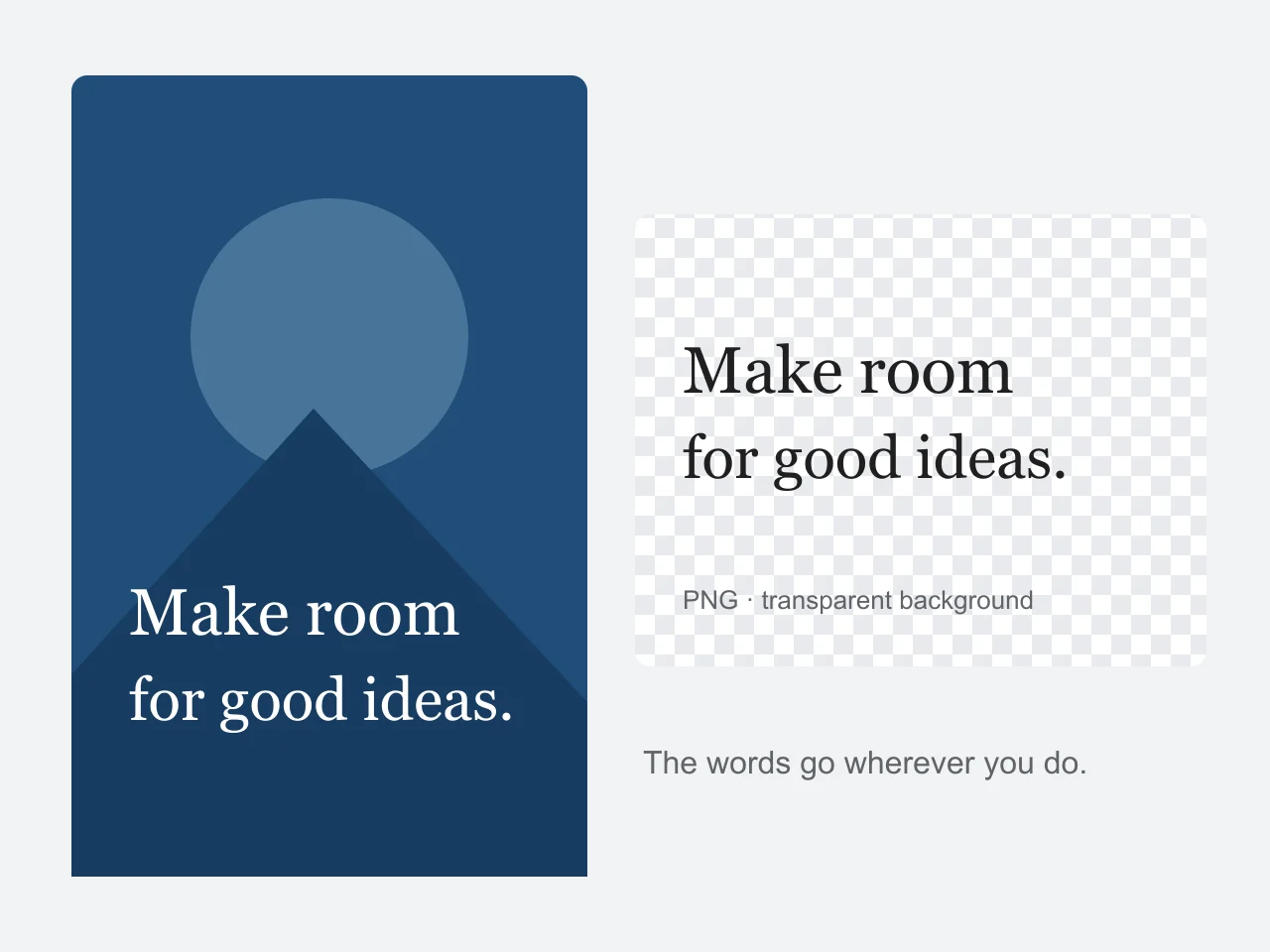
Create a title for a video, a label for a scrapbook or a signature-style line for a presentation. A transparent PNG lets the design underneath show through. For a busy photograph, choose white ink with a dark outline; light text is previewed on a dark checkerboard so you can see it before saving.
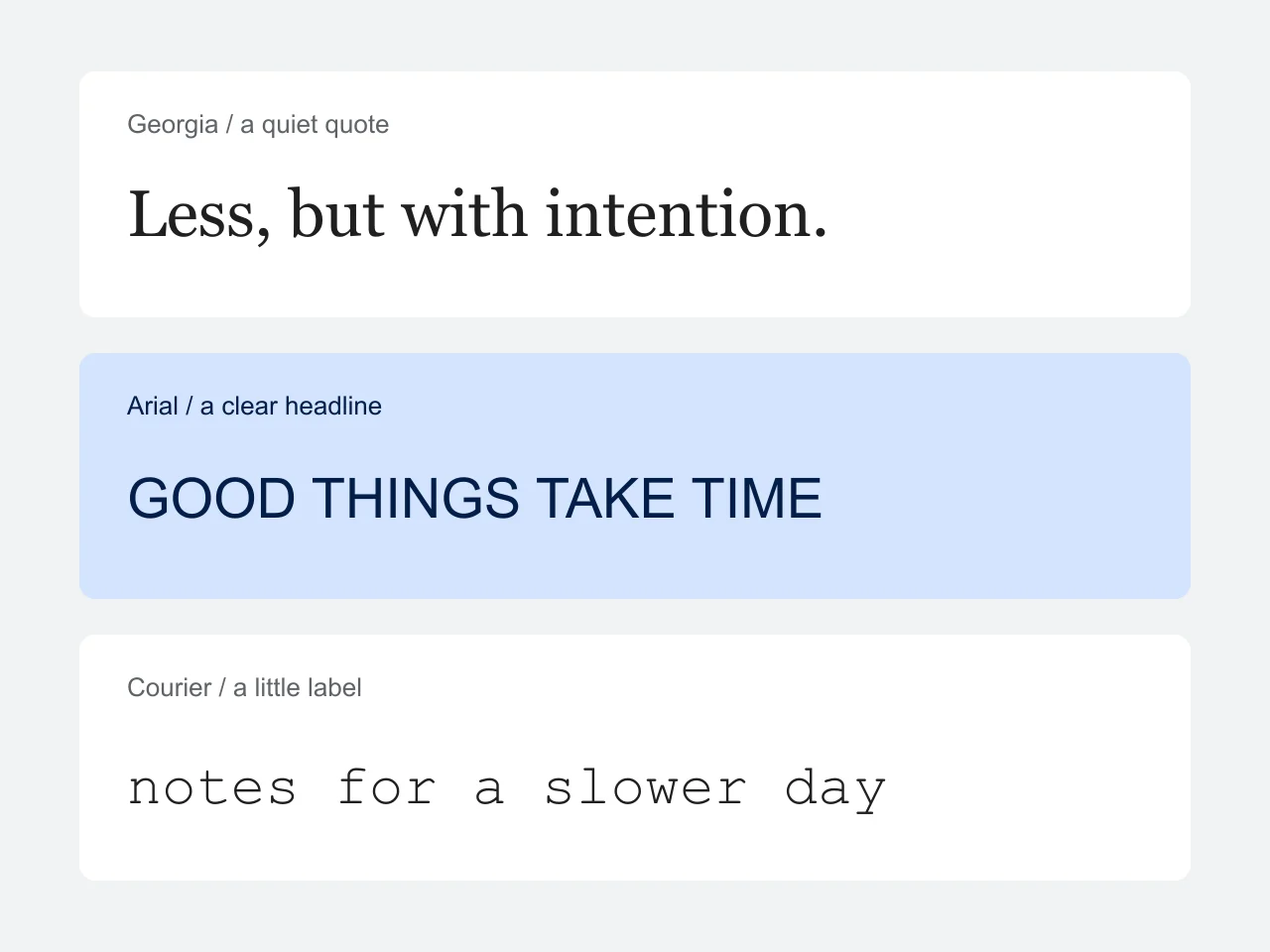
The same words feel very different in a serif, a clean sans serif, a script or a monospace font. The fonts come from Google Fonts, so a text to PNG design looks the same on a phone as on a laptop. For several paragraphs or a numbered carousel, use the card maker instead.
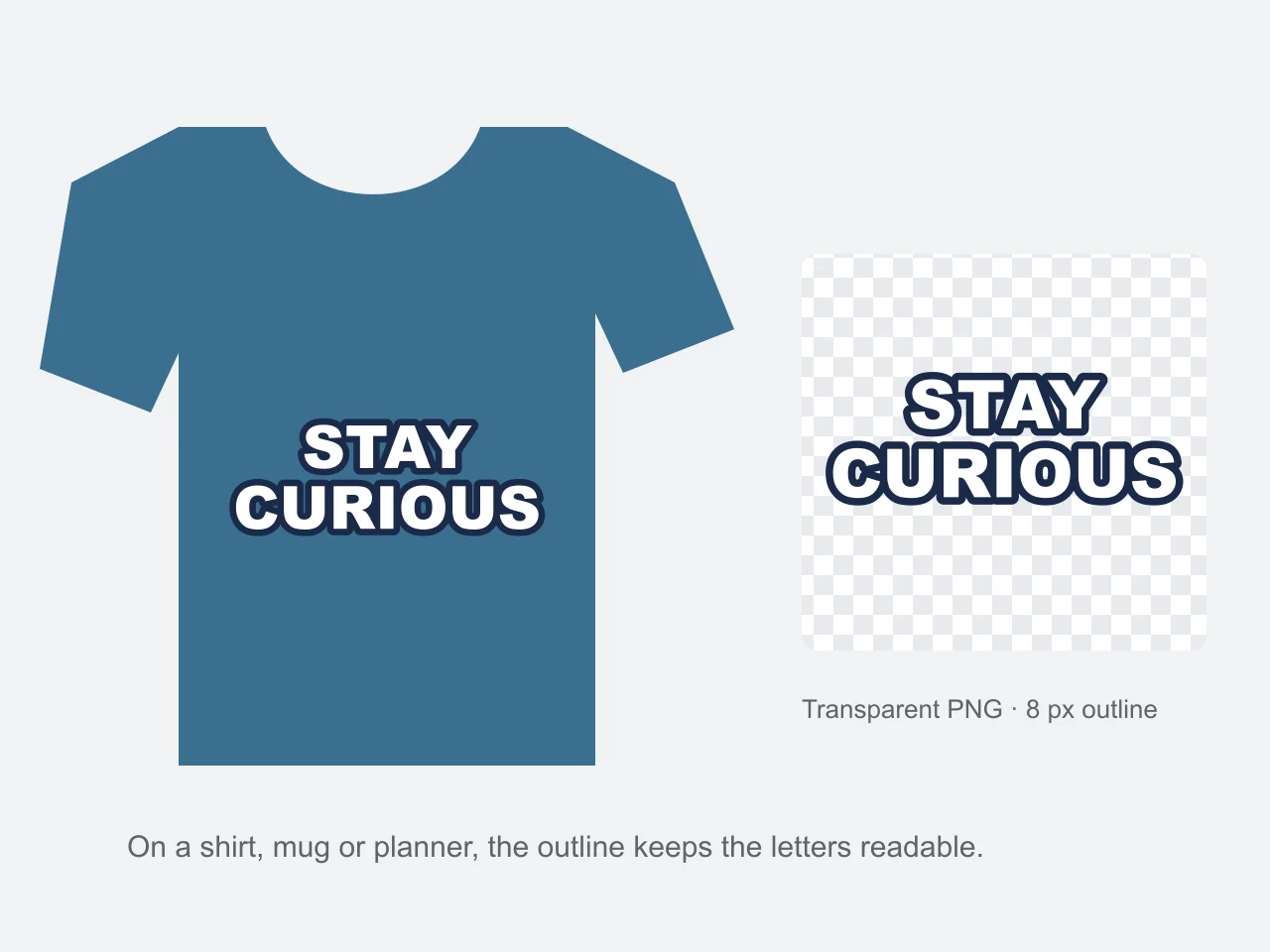
A thick outline turns a word into a die-cut sticker look for shirts, mugs, planners and Cricut projects. Export the text PNG at 2× so it stays sharp when a print-on-demand mockup scales it up.
Three steps, and the file is ready to place over a photo, a slide or a video.
Type or paste a title, a short quote or a label into Text to PNG. Your own line breaks stay; longer lines wrap at the maximum width you choose.
Search the Google Fonts library, pick an ink color, an outline and the alignment, then adjust the padding. The checkerboard marks transparent pixels and is not part of the download.
Download at 1× or 2× resolution, or copy the PNG to the clipboard. The file drops straight onto a photo, a slide or a video.
Text to PNG exports PNG because it is the format every app accepts with a transparent background and sharp letter edges.
| Format | Transparent background | Best for |
|---|---|---|
| PNG | Yes, with a full alpha channel | Text overlays, logos, stickers, slides |
| JPG | No, always a solid color | Photographs; letters get soft edges |
| WebP | Yes, but not every app opens it | Websites that control their own images |
| SVG | Yes | Vector logos; the font may not travel with the file |
Anyone who needs words as an image layer rather than as typed text.
YouTube thumbnails, intro titles and lower thirds that sit on top of footage.
Quote designs for shirts, mugs and stickers on Redbubble, Etsy or a Cricut mat.
Headings and labels for Google Slides, PowerPoint and Keynote that keep their font.
Story text, meme captions and quote overlays in a font the app does not offer.
Small choices that make a text to PNG export look right wherever it lands.
Use 2× resolution when the PNG will be scaled up, printed or shown on a large screen.
Pick white ink with a dark outline for photos that have both light and dark areas.
Light-colored text is previewed on a dark checkerboard automatically — on a white page it would look invisible.
Keep one or two short lines per image; the card maker handles whole paragraphs better.
Leave a little padding so apps that crop tightly do not clip the outline.
Formats, privacy and the details that matter before you download.
Yes. There is no account, download fee or watermark. Preview and export as often as you need.
Yes, when Transparent is selected. PNG stores alpha transparency; the checkerboard is only a preview aid. Choose White instead for a solid background.
White or very light text on a transparent background is invisible in viewers that show a white page. The PNG is fine — place it on a darker background. The Text to PNG preview switches to a dark checkerboard for light text, so you can see it before you download.
Yes. Drag the Outline slider above 0 px and pick its color. The outline is drawn outside the letters, so thin strokes stay readable, and the image grows to make room for it.
Choose Copy image and paste it, or download the PNG and upload or insert it as a picture. The transparent background is kept, so only the letters appear on your design.
Yes. Under Image size, pick a preset such as 1080 × 1080, 1080 × 1920 or 4500 × 5400, or enter a custom width and height up to 8,000 px. With Fit text on, the words grow or shrink to fill the image; the PNG downloads at exactly that size.
Yes. Type in the Text tab, adjust the Style tab, then download. Your browser may save the file in Downloads rather than Photos.
The preview shows the exact pixel dimensions, and the 2× option doubles both. If the text would make an image too large, you see a limit message instead of a cropped file. The input limit is 4,000 characters.
The image is yours. Fonts from Google Fonts are open source and allow commercial use; device fonts follow the licence of your operating system.
No. The image is drawn in your browser and your words are not uploaded. Choosing a Google font downloads that font from Google Fonts. Site analytics and advertising are described in the privacy policy.
No. Text to PNG renders the exact words you enter as an image. It does not generate pictures from prompts or change your wording.
The Text to PNG tool is at the top of this page. Type your text, pick a font and an outline, then download the PNG — free, no account.
Make a text PNGFree · No watermark · Drawn in your browser, nothing uploaded